Prerequisites:
- Has TikTok Seller Account
- Has TikTok Creator Account
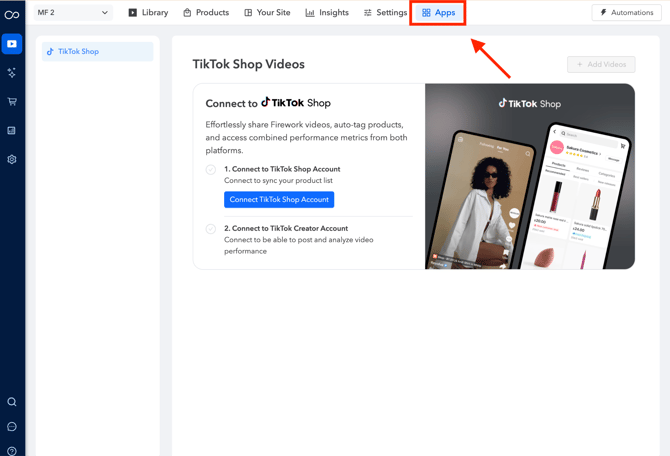
1. Navigate to “Apps” in your business portal. Then click on “Connect TikTok Shop Account”
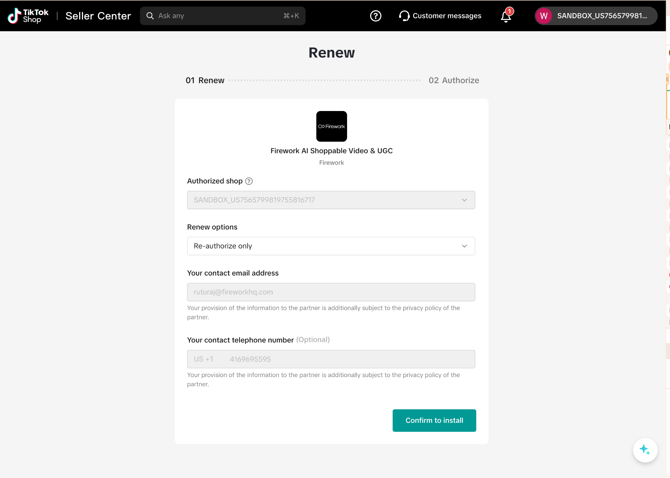
2. Click on “Confirm to Install”
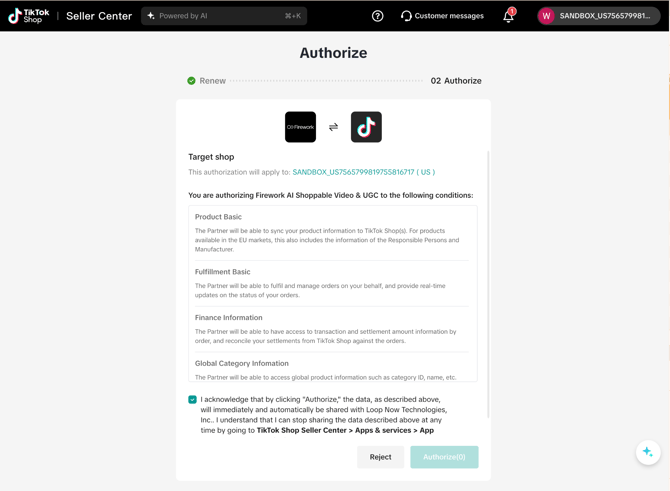
3. Click "Authorize"
4. Great! Now that you have your TikTok Seller account connected, you will need to connect your creator account.
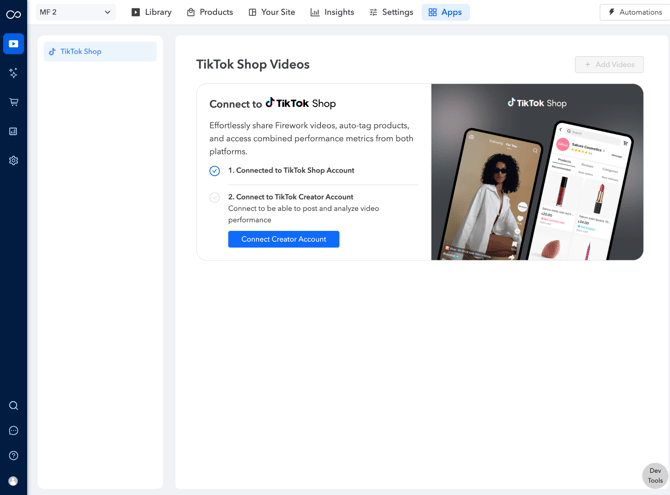
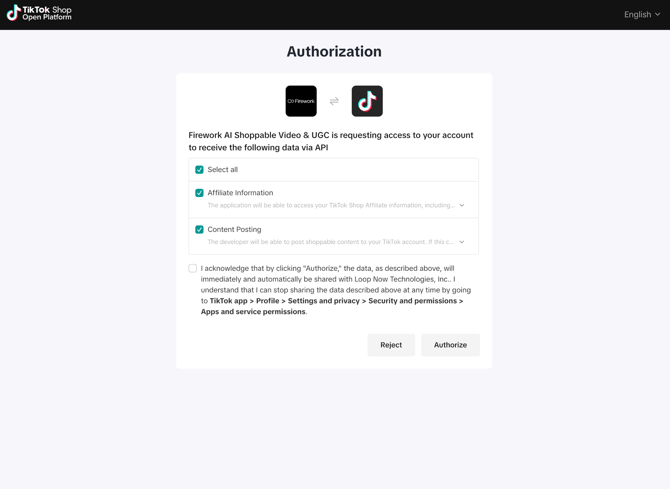
5. Click “Authorize” to sync TikTok creator account.
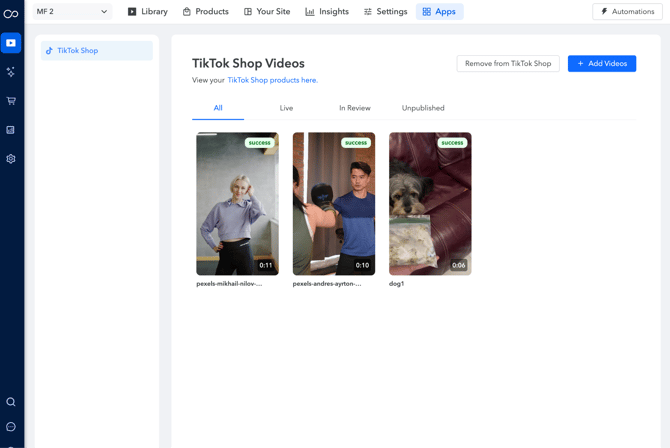
6. Now that you’ve integrated TikTok Shop, lets try publishing videos. Click on "Add Videos"
7. Select Video from your Firework Library
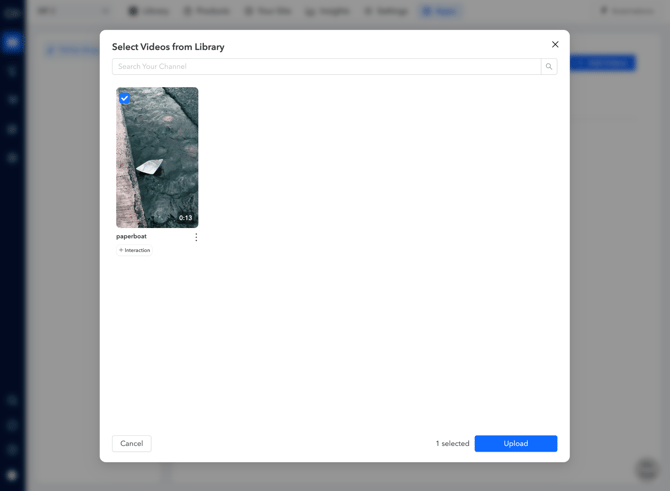
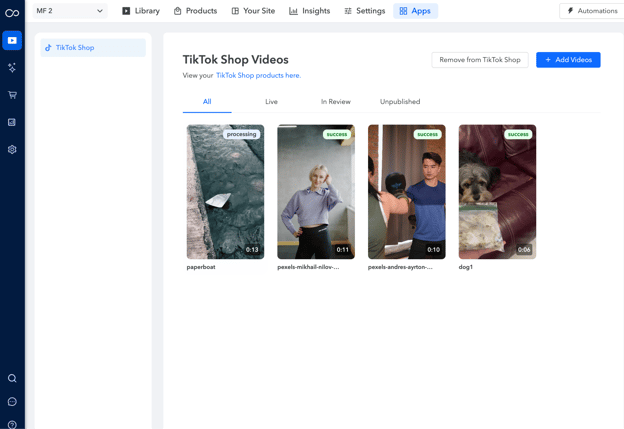
8. After Uploading, the video will be marked "processing"
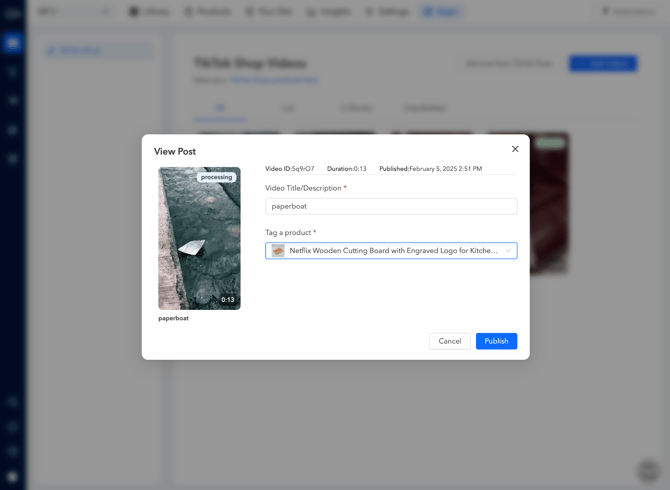
9. To successfully publish, tag a product from TikTok Shop
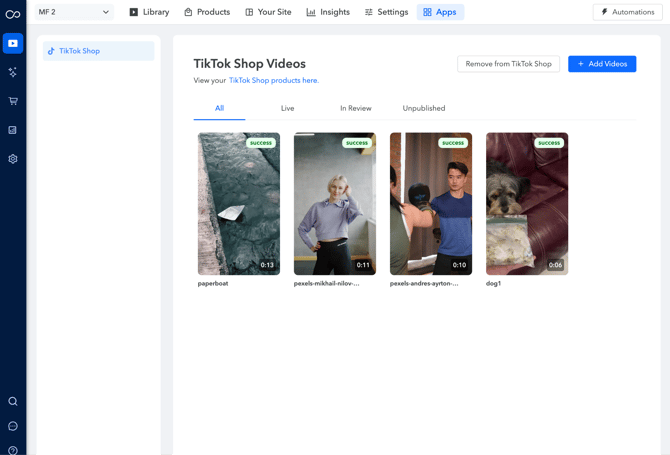
10. Success! Your video should now be published on your TikTok Shop
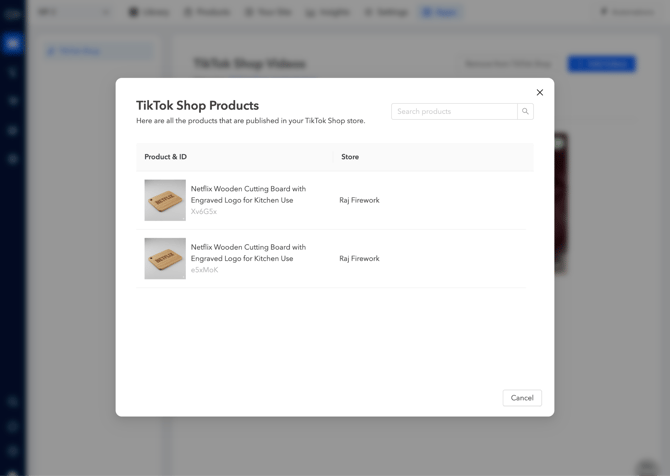
To view all products pulled from your TikTok Shop, click on "View your TikTok Shop products here."
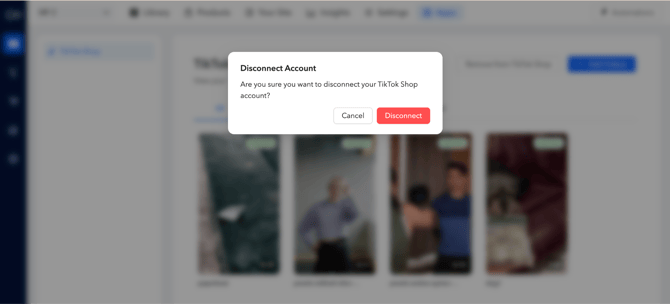
If you run into any issues (e.g. product in TikTok Shop not showing in business portal), you can disconnect and re-connect your TikTok account: