
How to Enable Background Blur
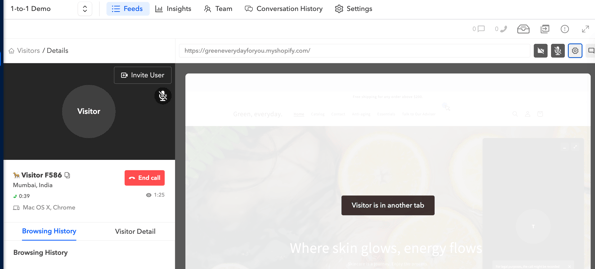
- Once you join the call, you’ll see the option to blur your background.
- Click the Settings icon on the right side (next to the microphone).
-
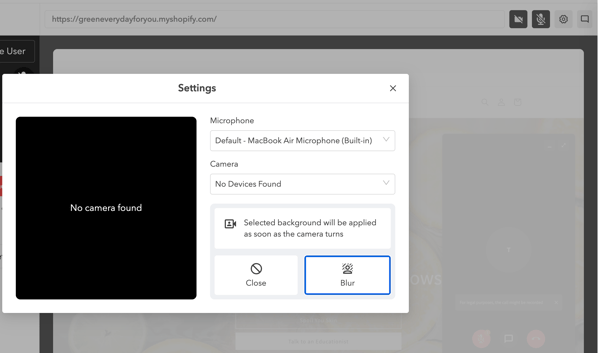
Select the Blur Background option to apply the effect.
-
If you no longer want the background blurred, click Close